
Download Google Play Store APK v50.3.23-24 [0] [PR] 874707258 for Android
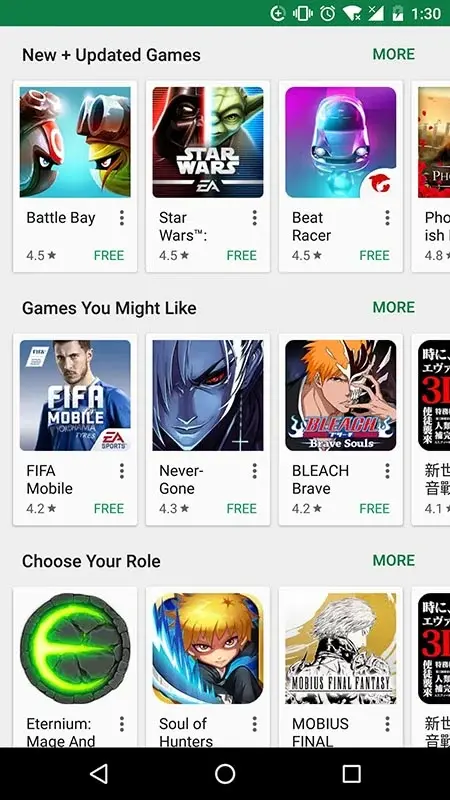
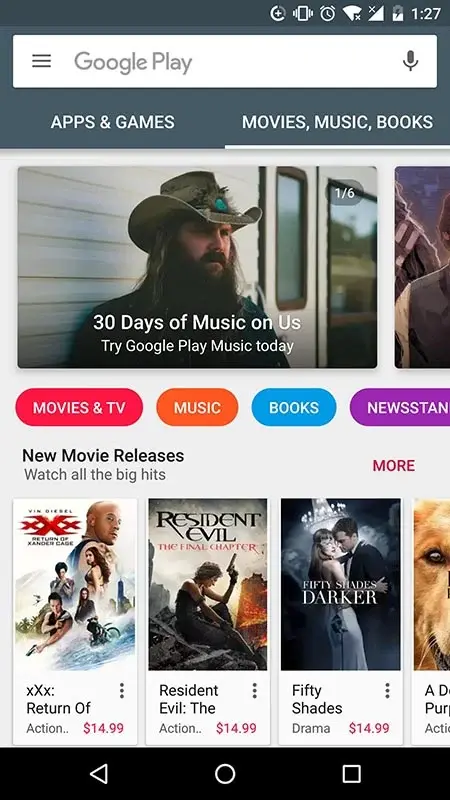
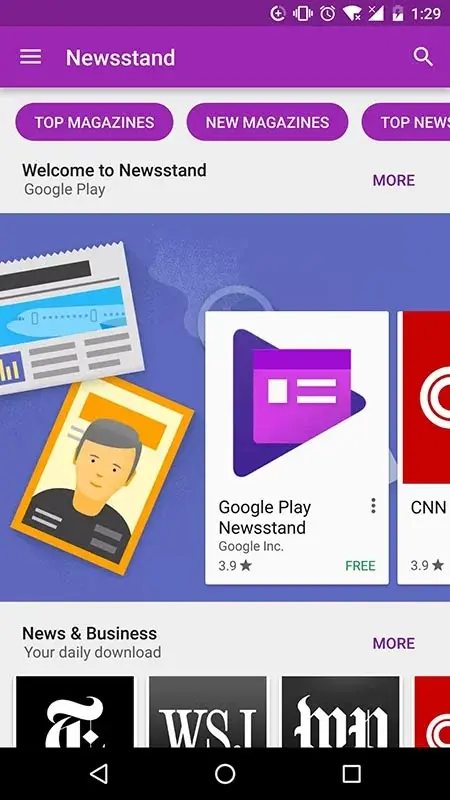


Google Play Store APK – The Essential Android Component You Only Notice When It’s Missing
For most Android users, Google Play Store feels like something that has always been there. You turn on your phone, search for an app, tap install, and that’s it. But the moment you use a device without Google services pre-installed, you suddenly realize how central Google Play Store APK really is.
Without Play Store, your Android experience feels incomplete. You cannot officially download apps, updates stop working, and security verification becomes limited. That’s when understanding how Google Play Store APK works — and how to install it manually — becomes extremely important.
What Is Google Play Store APK?
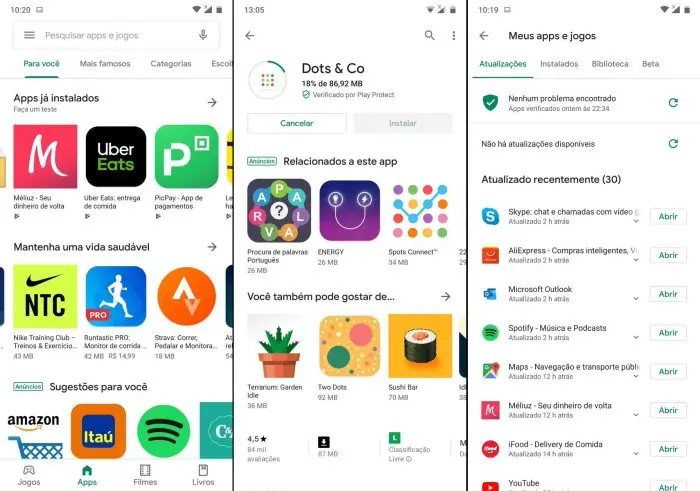
Google Play Store APK is the installation file format (.apk) of the official Android application marketplace developed by Google. If your device does not include Play Store by default or if it was accidentally removed, installing the APK file manually can restore full functionality.
However, Play Store is much more than just an app downloader. It handles software distribution, in-app purchases, automatic updates, malware scanning, and device synchronization through your Google account.
Why Do Some Users Need to Install Play Store APK Manually?
From practical experience, there are several common scenarios:
Devices imported from certain regions may not include Google services.
System errors can cause Play Store to crash or disappear.
Custom ROM installations may exclude official Google packages.
Some users prefer installing specific older versions for compatibility reasons.
How Google Play Store Actually Works Behind the Scenes
At surface level, Play Store looks simple: open, search, install. But technically, it operates within a complex ecosystem connected to Google servers and security layers.
1. Security and App Verification
Every application published on Play Store goes through automated scanning using Google Play Protect. This system reduces the risk of malware, fake apps, and harmful code before users download them.
2. Google Account Synchronization
Your installed apps are linked to your Google account. When switching to a new device, logging in restores your previously installed applications effortlessly.
3. Automatic Updates and Patch Management
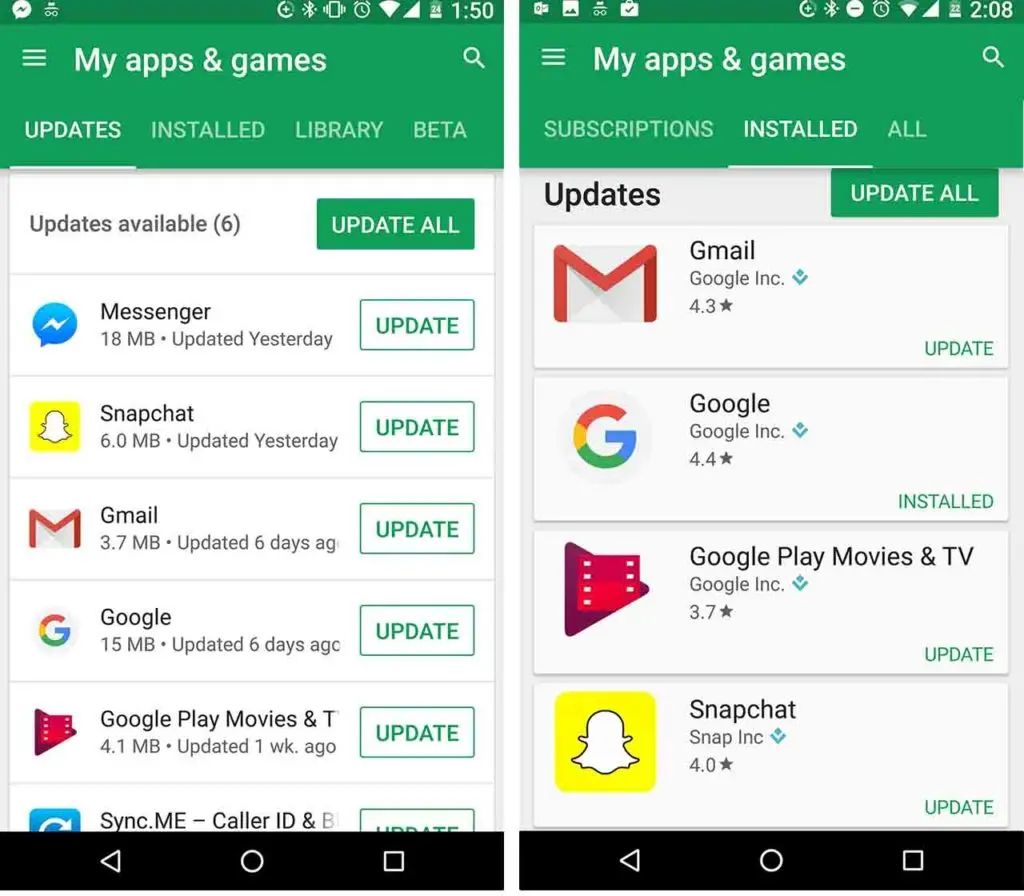
One of the most valuable features is automatic updates. Instead of manually checking each app, Play Store keeps everything up to date in the background, improving both performance and security.
Real-World Experience Installing Google Play Store APK
The first time installing Play Store manually can feel intimidating. Concerns about compatibility or system conflicts are normal. However, if you download the correct version that matches your Android OS, the installation process is straightforward.
Basic Installation Steps
Step 1: Download the compatible Google Play Store APK version for your Android system.
Step 2: Enable installation from unknown sources in your device settings.
Step 3: Open the APK file and complete the installation process.
Step 4: Restart your device if necessary to finalize setup.
After signing into your Google account, the system typically synchronizes and updates automatically to the latest stable version.
Common Issues When Installing Play Store APK
Version Compatibility Errors
This usually happens when installing a version that requires a newer Android OS than your device supports.
Application Keeps Stopping
This often occurs when Google Play Services is missing or outdated. Installing the correct Google services package resolves the issue.
Unable to Sign In
This can be caused by missing Google Services Framework components or incorrect system date and time settings.
Is Using Google Play Store APK Better Than Third-Party App Stores?
Based on user experience and security standards, the official Play Store remains the safest choice. Applications are verified, updates are consistent, and payment systems are protected under Google’s infrastructure.
While third-party stores may offer flexibility, they carry higher security risks and limited update support.
Who Should Download Google Play Store APK?
Users with devices lacking pre-installed Google services.
Individuals running custom Android firmware.
Users facing corrupted or missing Play Store installations.
Those requiring specific versions for compatibility testing.
Frequently Asked Questions (FAQ)
›
›
›
Conclusion – Google Play Store APK Is the Gateway to the Android Ecosystem
Android without Google Play Store feels incomplete. It is not merely an app marketplace, but the backbone of secure application distribution, updates, and digital ecosystem management. Installing Google Play Store APK manually gives users greater control over their devices, especially when dealing with imported phones or custom firmware systems.
Understanding how it works ensures you can troubleshoot issues confidently, maintain security standards, and enjoy a fully functional Android environment. In the end, Google Play Store APK is not just an installation file — it is the foundation of the Android experience itself.
Available Versions of Google Play Store