

How to turn-off Google Play Protect?

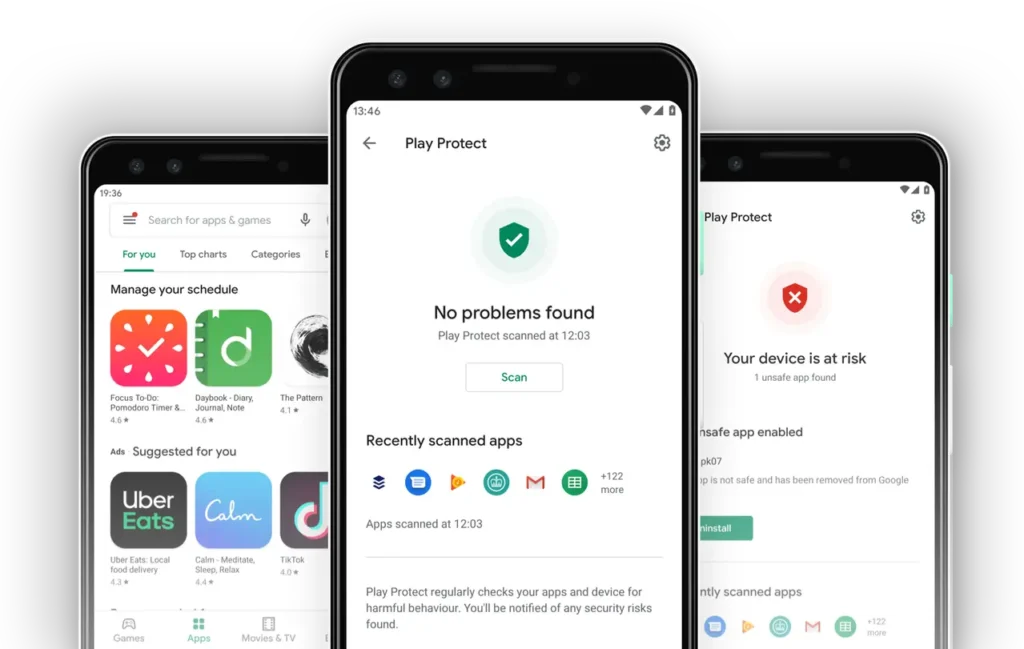
Google Play Protect is a built-in security feature on Android that scans apps and warns users about potential threats. However, in some cases—such as installing APK files from external sources or downloading apps from FUZYAPK.IO—this feature may block the installation process.
If you want to temporarily disable Google Play Protect, follow the steps below:
Step 1: Open Google Play Store
Launch the Google Play Store app on your Android device.
Step 2: Open your account menu
Tap your profile picture (avatar) in the top-right corner to open the account menu.
Step 3: Access Play Protect
From the menu, select Play Protect to open the security dashboard.
Step 4: Open settings
Tap the gear icon (⚙️) in the top-right corner to access Play Protect settings.
Step 5: Turn off protection
You will see options such as:
- Scan apps with Play Protect
- Improve harmful app detection
Turn off these options by toggling them to OFF.
Step 6: Confirm
A confirmation message may appear. Tap Turn Off to complete the process.
Important Note
Disabling Google Play Protect may reduce your device’s security. Therefore:
- Only disable it when necessary
- Install apps from trusted sources only
- Turn it back on after installation
