
Download iMe APK 12.8.2 for Android

iMe APK – When messaging starts to feel personal again
If you’ve been using Telegram for a long time, there’s a moment when you start feeling something is missing. Telegram is fast and reliable, sure — but the longer you use it, the more you want control. Control over how chats look, how messages are handled, and how your daily conversations fit into your workflow.
That was exactly the point when I discovered iMe. At first, I thought it was just another Telegram client. But after a few days — especially with iMe APK and its Premium features unlocked — it became clear that this wasn’t just a replacement app. It quietly changed the way I interact with Telegram every single day.
What is iMe and why do many users switch from the original Telegram?
iMe is not an unknown name among Telegram power users. Technically, it’s built on Telegram’s official API, which means you log in with your Telegram account as usual. All chats, groups, channels, and contacts stay fully synced.
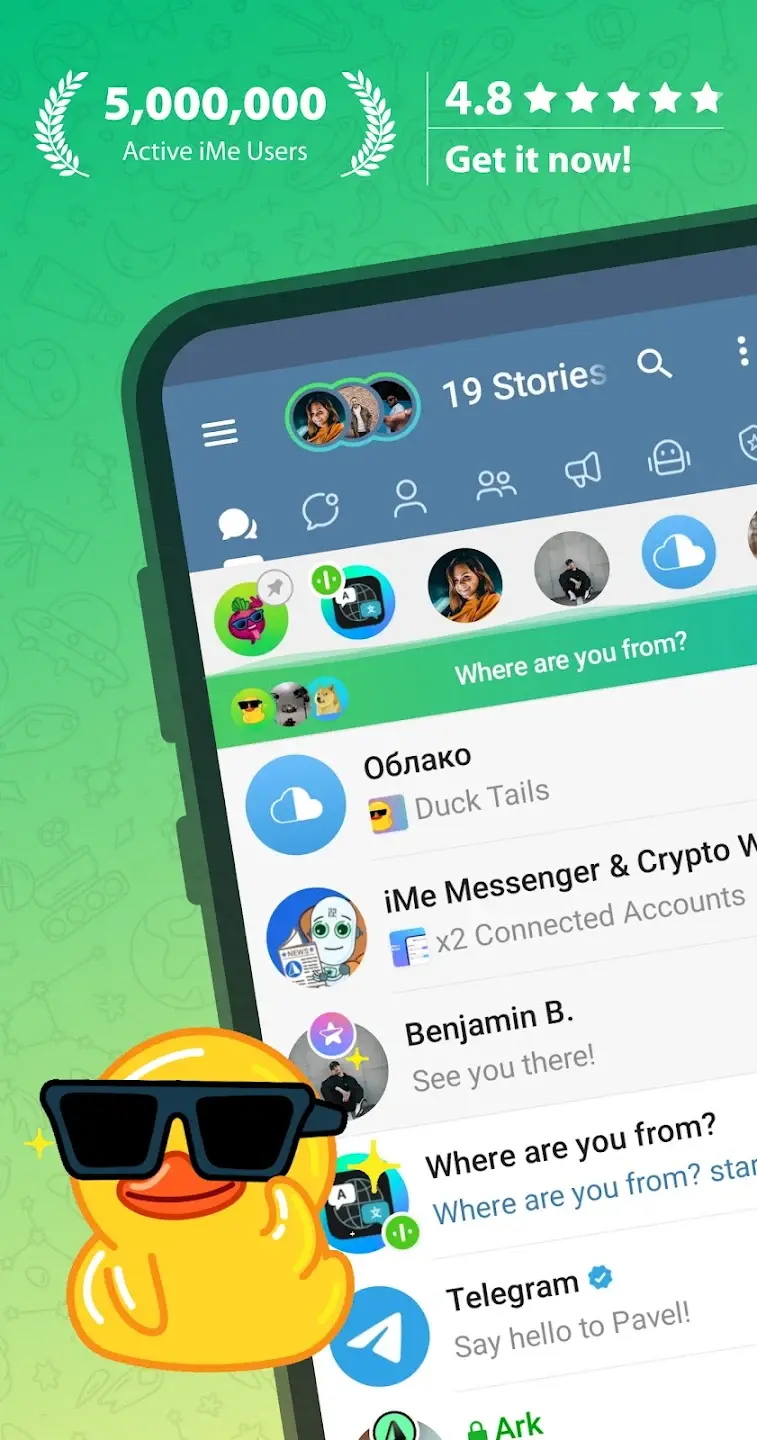
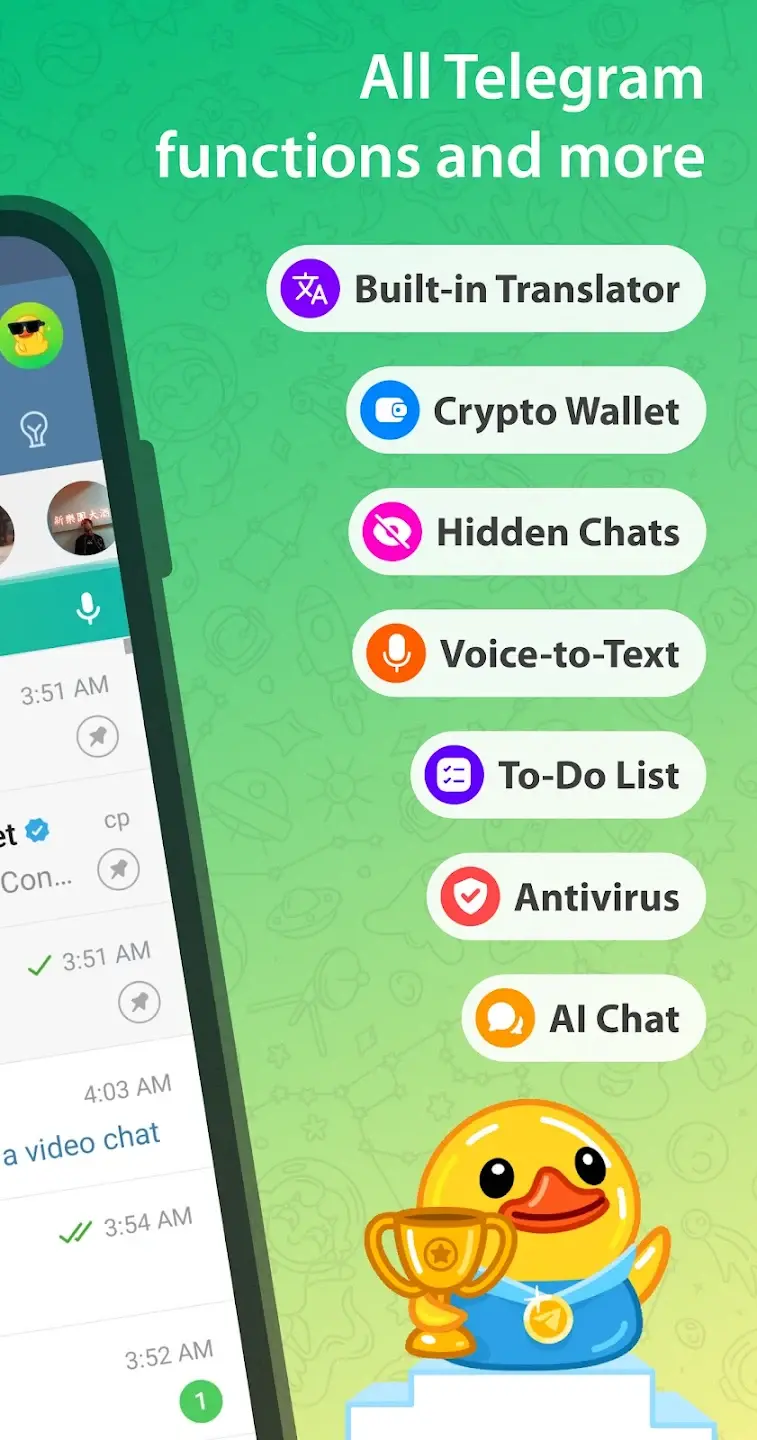
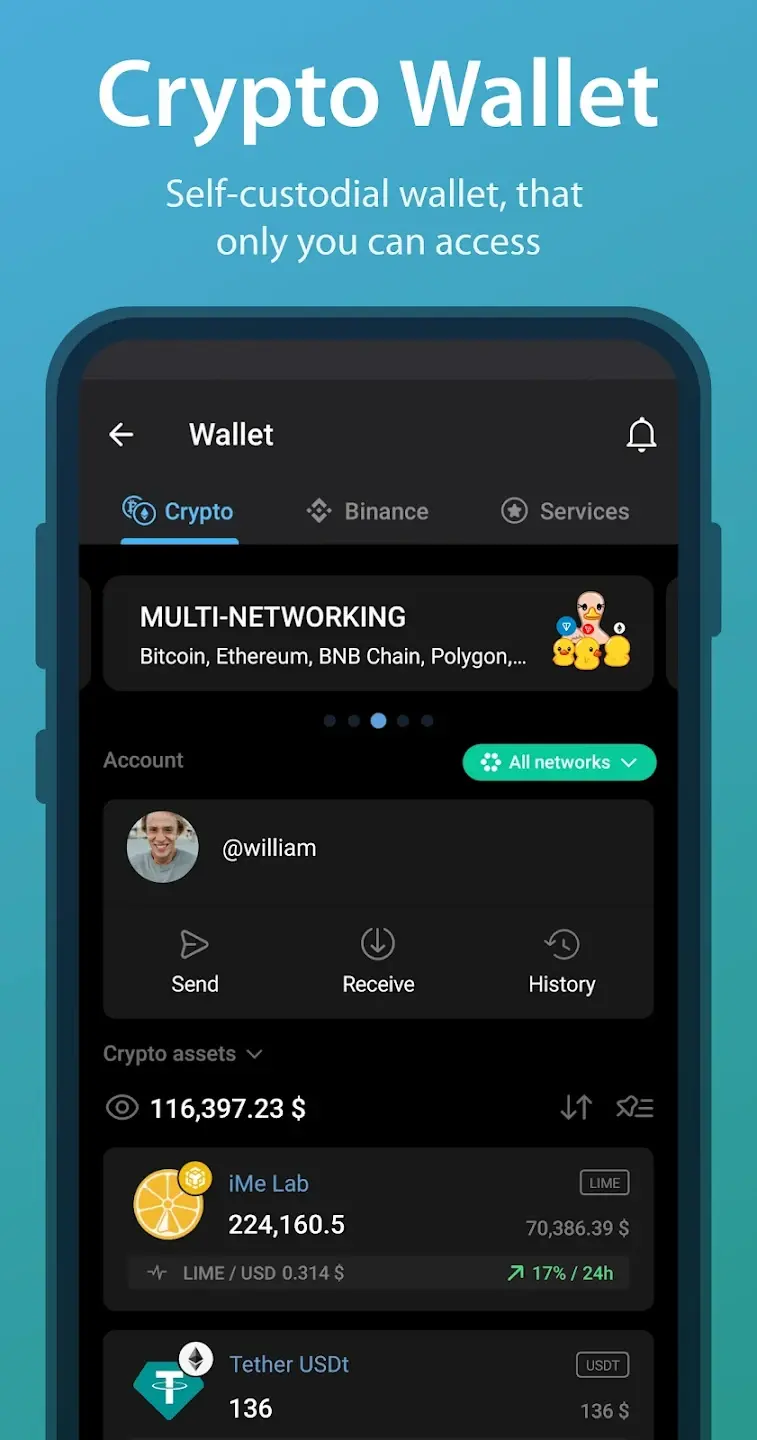
The difference lies in how iMe expands the experience. Instead of changing the core, it adds new layers on top — smarter chat control, deeper customization, built-in tools, AI helpers, and personal note features that Telegram itself hasn’t fully explored yet.
With iMe APK, the Premium layer is completely unlocked, turning iMe into a powerful communication hub rather than just a messaging app.
Key features of iMe APK – What does unlocked Premium really give you?
First things first: the version does not break Telegram’s security model. Encryption, servers, and data handling remain unchanged. What’s unlocked here is comfort, flexibility, and advanced usability.
Almost unlimited interface customization
iMe lets you fine-tune nearly every visual detail — colors, fonts, chat layout, animations, and spacing. With Premium unlocked, you gain access to exclusive themes, no visual limits, and the ability to save and reuse multiple setups.
Compared to Telegram’s default “one-size-fits-all” design, iMe feels far more adaptive and personal.
Advanced message and chat management
This is where iMe really shines. You can organize chats into smart tabs for private conversations, groups, bots, or channels. Messages can be tagged, pinned in custom ways, and searched with advanced filters.
If you’re active in many groups or follow multiple channels, this alone can save you a surprising amount of time every day.
Built-in AI tools and smart bots
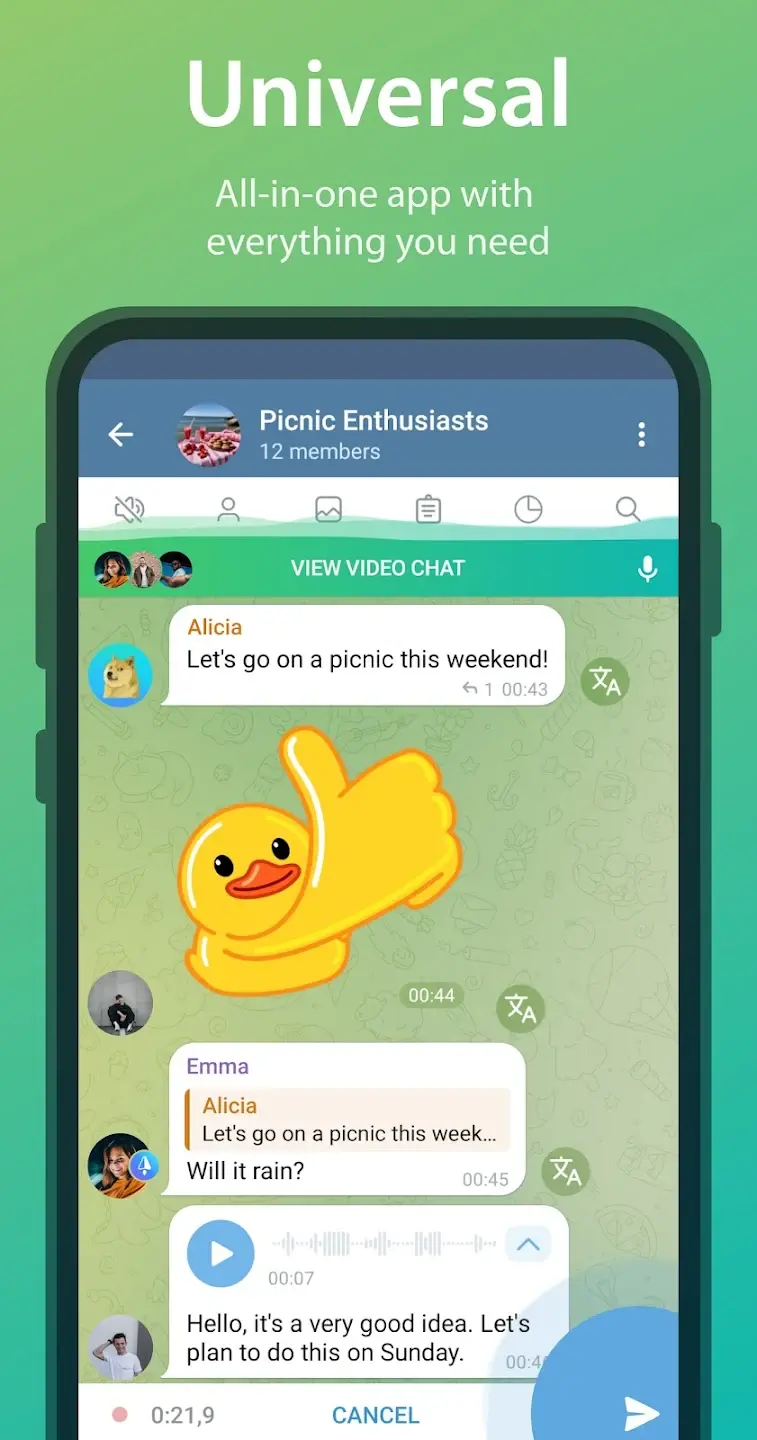
With Premium unlocked, iMe activates several AI-powered tools — summarizing long conversations, suggesting quick replies, and translating messages contextually.
These features don’t scream for attention, but once you get used to them, going back feels inconvenient — especially if you work with international teams or busy group chats.
Real usage experience: Does iMe APK actually make a difference?
I used iMe alongside the official Telegram app for about a week. After that… I removed Telegram.
The difference was subtle but consistent. iMe made me more intentional — about which chats I read, how I respond, and how I organize conversations. The constant notification noise felt more manageable.
No ads, no upgrade prompts, no artificial limitations. Everything is available from the start, which makes the whole experience smoother and more focused.
Getting started with iMe APK – A beginner-friendly approach
First steps with the interface
When you first install iMe, don’t rush into changing everything. Use it like normal Telegram for a day or two. Let your habits settle, then slowly explore the advanced settings.
Using Premium features effectively
Premium isn’t about showing off features — it’s about improving daily comfort. Enable smart chat filters, AI assistance, and eye-friendly themes. Small adjustments add up over time.
Tips to enjoy iMe long-term
Regularly clean up unused groups, use internal notes for important information, and take advantage of built-in bots. Over time, iMe starts to feel more like a personal workspace than just a chat app.
Who should consider using iMe APK?
If you only send a few messages a day, the official Telegram app is probably enough. But if you:
Use Telegram for work or projects.
Join many groups or follow multiple channels.
Care about interface control and notification management.
Prefer clean, structured, and personalized experiences.
Then iMe APK is absolutely worth trying.
FAQ – Common questions about iMe APK
›
iMe is based on Telegram’s official API and does not modify server-side security. For safety, always download the version from trusted sources like FUZY APK.
›
The version unlocks Premium features without a subscription, while keeping your Telegram account and data fully intact.
›
So far, there are no confirmed cases of Telegram accounts being banned for using iMe, since it operates within Telegram’s official API framework.
Final thoughts: iMe APK – A smarter way to use Telegram
iMe APK isn’t for everyone — and that’s perfectly fine. But for users who rely on Telegram daily for communication, collaboration, or content consumption, it feels like a meaningful upgrade.
Once Premium limitations are removed, the real value of iMe becomes clear: a Telegram experience shaped around your habits, not the other way around.
If Telegram ever felt slightly restrictive to you, iMe might be exactly the missing piece you didn’t know you needed.
Available Versions of iMe
Apps in the Same Category